Multiplayer Support
Multiplayer Flow
The platform manages matchmaking and player data sharing for all quick-play games.To enable the invite option and multiplayer features for your game, it must be marked as multiplayer on the platform. Once marked, you will see an invite option on your game card.
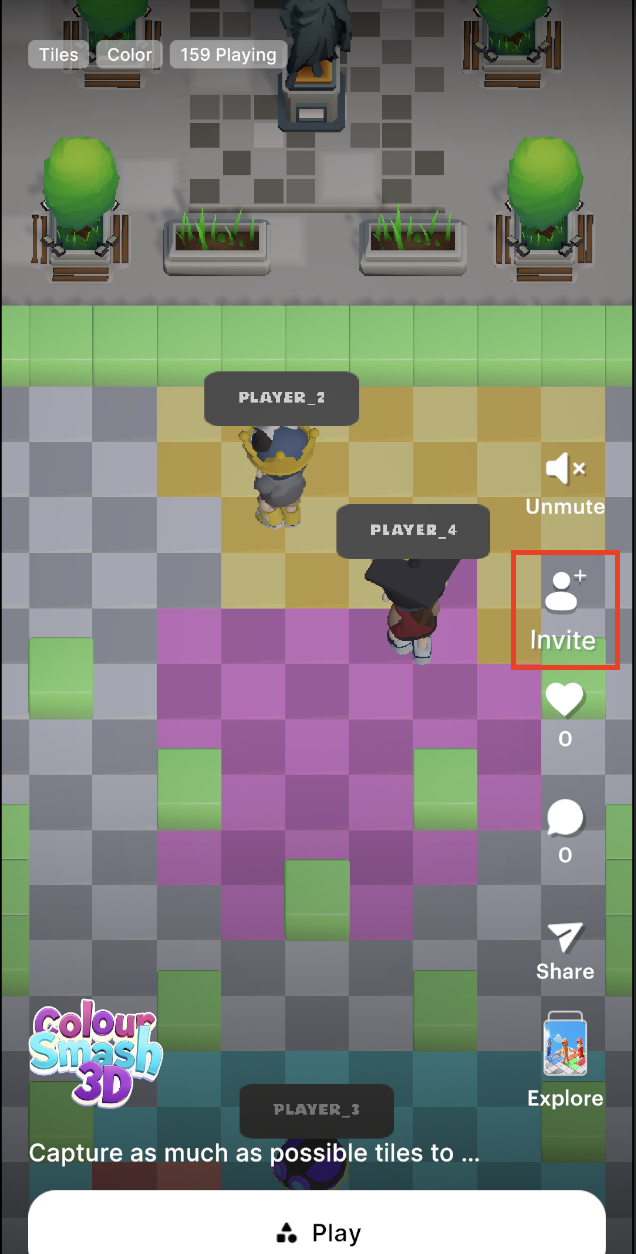
Users can invite friends to play together using the invite option, or use quick play to match with a random user.
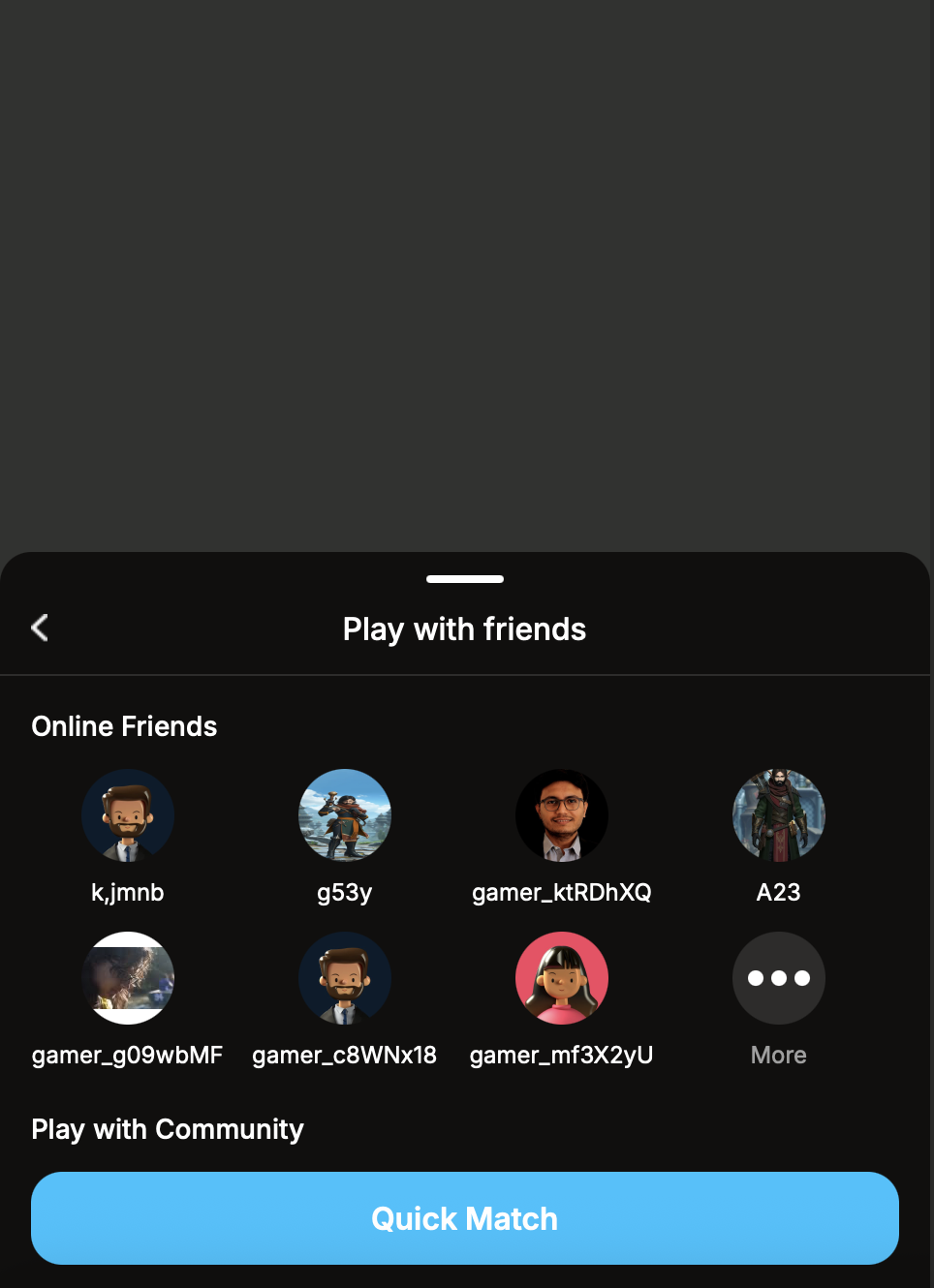
When a user sends invites to friends or selects quick play, the platform creates a room and sends the invites. The platform also handles spawning the Nostra Character for each player, syncing user data, and managing character customization.
Handling Multiplayer Game Start
For multiplayer games, after the user completes the invite flow, the CardState will change to CardState.START_MULTIPLAYER.Multiplayer games must handle this state change in their GameController class:
public override void OnCardStateChanged(CardState state)
{
    base.OnCardStateChanged(state);
    if (state == CardState.START_MULTIPLAYER)
    {
        StartMultiplayerGame();
    }
}
Spawning Multiplayer Nostra Character
Games can access the spawned Nostra Character for the local player using the LoadPlayer method defined in the GamesController base class in nostra-sdk.The spawned character will have Fusion components like NetworkObject, NetworkTransform, and NetworkMechAnimator attached, so you can use it as a standard Fusion object.
Defining Multiplayer Game Config
Individual games can define their multiplayer game configuration by overriding the GameContext field in the GameController class:
public override MultiplayerGameContext GameContext => new MultiplayerGameContext()
{
      sessionProperties = new Dictionary<string, SessionProperty>(), // Session properties defined cretiong multiplayer game session
      matchMaker = new MyCustomMatchMaker(), // Custom matchmaker implementation
      playerAnimatorController = animtor, // Animator controller for player character
};
-
sessionProperties: Define any session properties that you want to set when creating a multiplayer game session.
-
matchMaker: Implement a custom matchmaker by deriving from
IMatchMakerinterface to handle matchmaking logic. -
playerAnimatorController: Set the animator controller for the player character. This is used to sync animations across the network.
Registering Custom Network Runner Callbacks for Fusion Network Runner
If you need to register your own INetworkRunnerCallbacks for the Fusion Network runner (when creating the NetworkRunner), you can do so by overriding the GetRequiredCallbacks method in the GameController class:
public override List<INetworkRunnerCallbacks> GetRequiredCallbacks()
{
    base.RegisterNetworkCallbackHandlers(runner);
    return new List<INetworkRunnerCallbacks>()
    {
        callbackHandler1,
        callbackHandler2,
    };
}